

What Is Microsoft Mesh?
Will the future of Microsoft Teams be in the Metaverse? Waterstons Innovation: The Dots #12


Many of us will use, almost exclusively, Microsoft products in our workplace. Teams and Outlook will be how a huge amount of our communication happens with our coworkers. Now, Microsoft wants to give us a tool to make talking to them feel more natural.
Microsoft Mesh is their attempt to create an immersive, 3D meeting platform. In the last few years, many of the biggest companies on Earth have entered the Metaverse - effectively, the idea of recreating the internet in 3D - but what exactly is Mesh? How does Microsoft’s attempt differ from others? Can it help your organisation? Will you actually want to use it?
What is this? This is The Dots, our newsletter about exciting things we find in the world of innovation. We imagine innovation as connecting the dots; putting together a jigsaw. Our puzzle pieces are the pieces of interesting information we absorb in the world, our partners and their products. Innovation happens when we connect these pieces in new and interesting ways. This newsletter is about these dots we find and connect.
Microsoft Mesh
3D meeting software is one of the most common use cases of VR headsets and why (we are told) the “metaverse” might be the future. Mesh is Microsoft’s attempt to show us if that will be true. Microsoft already has a huge foothold into how we communicate at work - Outlook and Teams are almost all I use, at least - Mesh aims to build upon that.
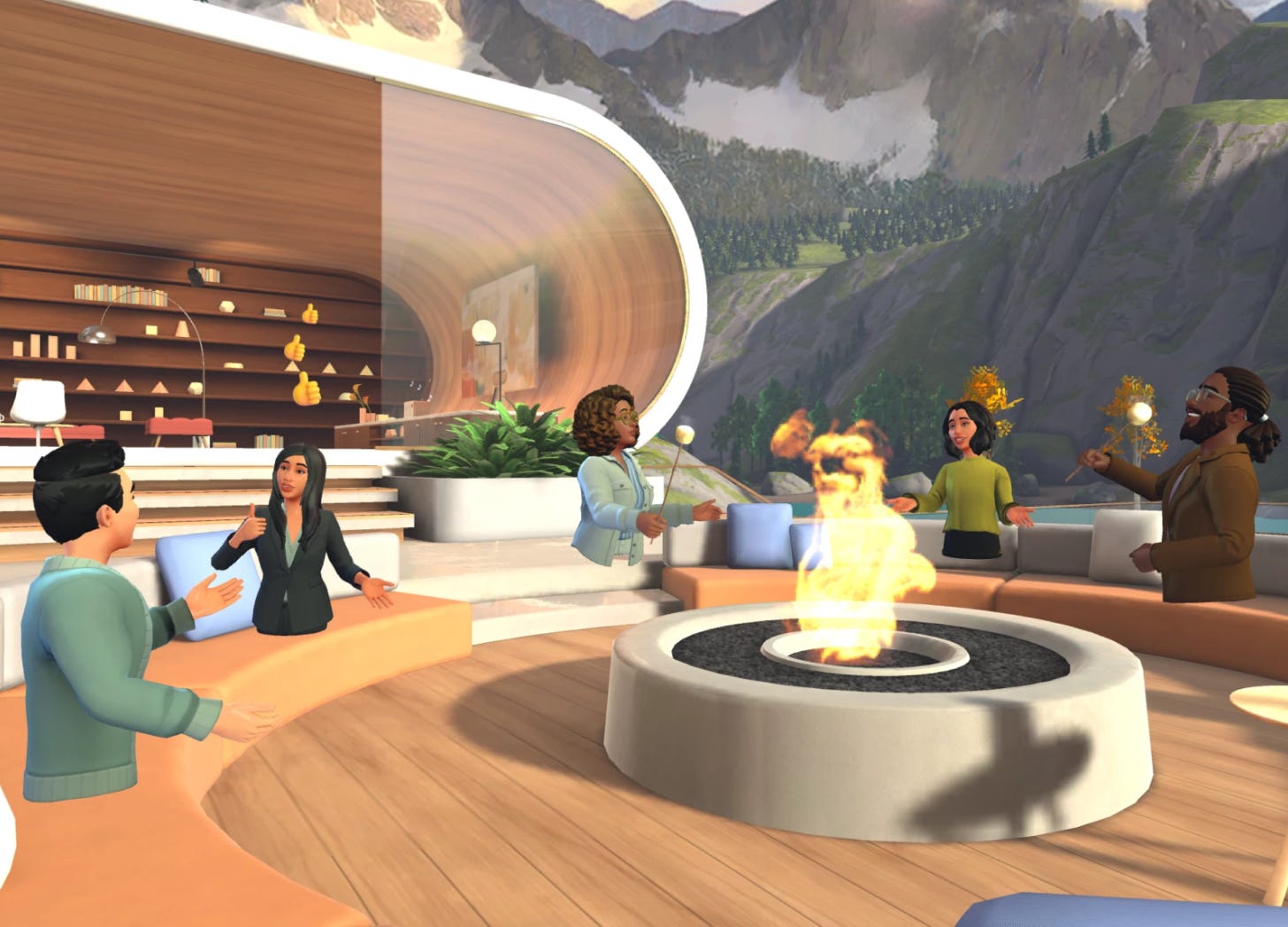
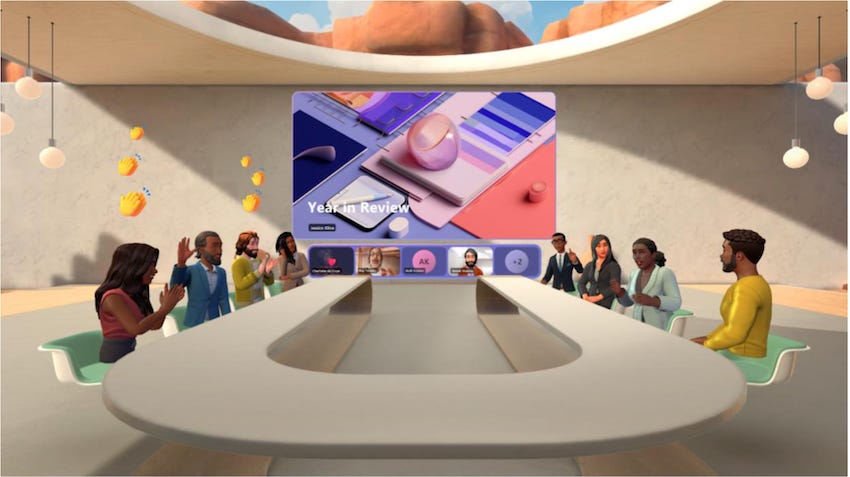
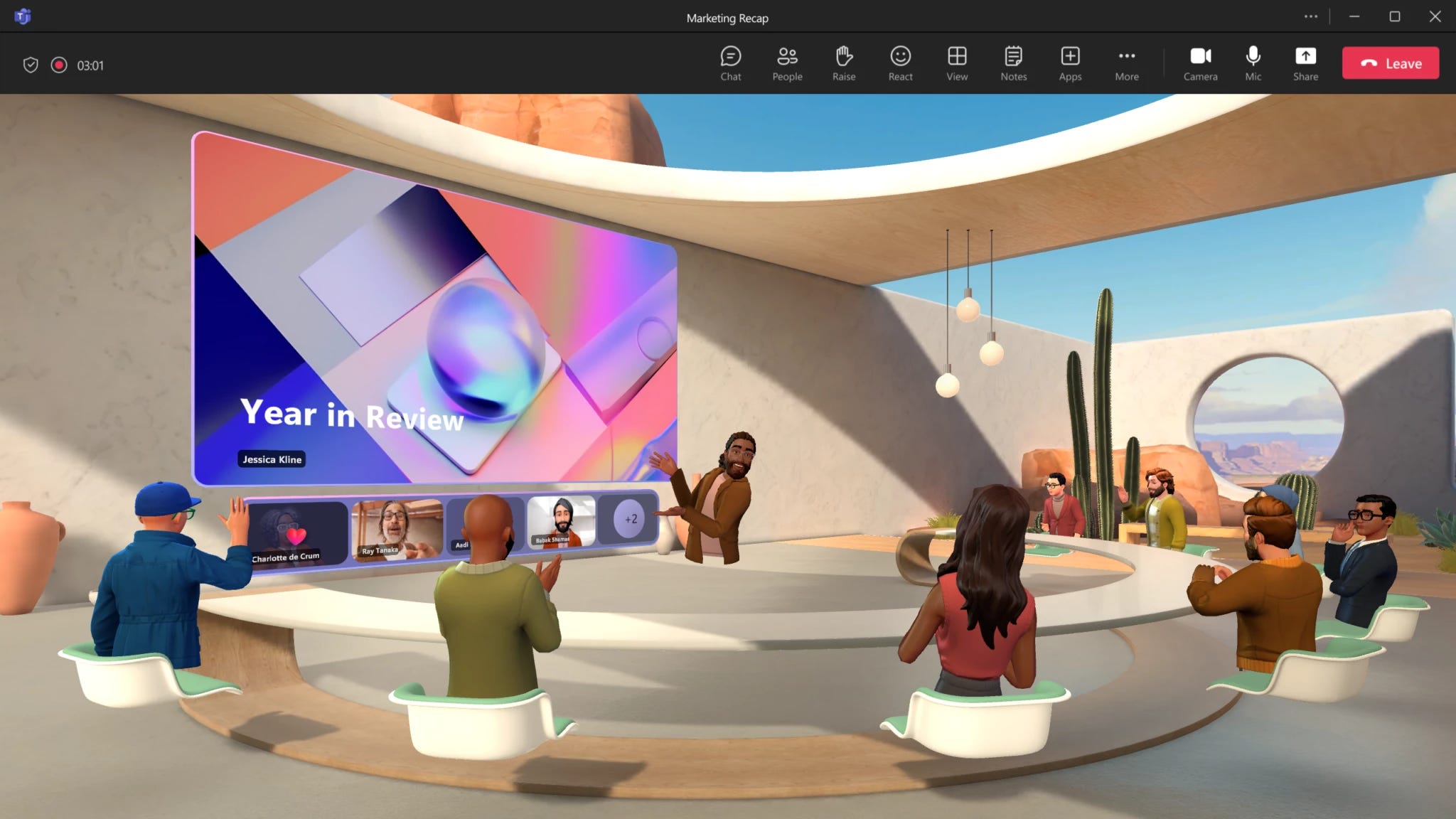
Simply: Mesh is a tool like Teams. You can use it on your computer like Teams or Outlook, or use it in a VR headset like an Oculus Quest. While in Teams you view people as 2D videos, in Mesh you are an avatar (an animated version of yourself) in 3D where you can walk around in a 3D space (like a model of your office!).
Mesh retains a lot of features of modern online meetings - you can share your computer screen, share videos, and give thumbs up. However, being in 3D (almost like a game) adds another dimension to it. Meetings have “spatial audio” - this means if you walk away from someone in the meeting you stop hearing them (which might be nice, depending on your coworkers). Like a game, there can be interactive elements and the space around you can be customised. Then, in a sense, you are getting a chance to stand next to your coworkers, walk around, and have water-cooler chats with them. Microsoft believes this will make the modern working experience more fun, collaborative, and productive.
Of course, this is a Microsoft product, so it comes along with all the enterprise-grade security you expect and the integrations into other Microsoft products.
How Will I Use It?
Right now, Mesh is in Public Preview, so there are only two ways to use it:
On your Windows Desktop
On a VR headset (right now, it has to be an Oculus Quest)
Just like in Teams and Outlook, Mesh has meetings you can join. They will be in your Outlook calendar the same as every other meeting you currently have.
In the future, it will be available on everything else (I assume)
Why Would I Want to Use It?
A very good question is “why would I use this over Teams?” After all, we are all probably (reasonably) happy with Zoom and Teams. The 3D world of Mesh will probably have a steeper learning curve than using the flatter, 2D Teams, so what does Mesh have to offer that Teams doesn’t?
Meeting in real life still has a lot of benefits to meeting over Teams. Being in the same space as someone (for me at least) makes the conversation more natural and productive. Microsoft hopes that being more immersive can close the gap being meeting in real life and meeting virtually.
Some things are naturally in 3D, and are presented better that way. You could be an architect looking at a building, a manufacturer looking at the car they have just built, or a University archaeology lecturer showing students actual 3D models of the things they are studying.
The space you meet in could be made to look like the actual physical offices you have. For people who work primarily from home, this can be a chance to (virtually) have an “office”. Whether the virtual space can recreate the feel of a physical office is definitely an open question though.
There is an argument that this will make meetings more fun and engaging, giving people another tool to use to communicate that they may be more comfortable with.
Why We Think This Might Be Good
We have been thinking about the “metaverse” for a while now in the Innovation Teams (getting Oculus Quests was one of the first things we did), and have done plenty of research into how it can be used for the future of work.
We have always found previous efforts from companies like Meta lacking - they were always too clunky to use, confusing to access, difficult to teach to others, or just slow. While they showed potential, it never became our default way of having a meeting, and it was hard to recommend it to others.
However, we are excited to jump into Microsoft’s version of the metaverse, and here is why:
It’s going to be right there. Not everyone has a VR headset, and not many organisations give all their employees work Facebook accounts (something you need for Horizon Workrooms). Microsoft Mesh will be available for (most) companies to roll out across their entire organisation - similar to how many of us can access Teams, Word or PowerPoint.
Very importantly, it’s baked right into Microsoft Teams, an experience a lot of us use daily and are very comfortable with. Guiding others through the experience of using something like Horizon Workrooms was always difficult. Here, it should be much easier
Making large pieces of enterprise software, made for mass-market adoption is what Microsoft do. Many other options out there are not fit to be something to regularly meet in. Previous attempts from others are buggy or don’t have the necessary features. I expect Mesh to come out of Public Preview with most of the things you need it to do.
The development experience seems to be very well thought out. We will talk about this much more in-depth in the future, but for the time being it looks impressive. This will be important as Microsoft has promised a lot of customizability to the experience, letting you really tailor it to your organisation.
How Can I Try It Out?
Depending on what Microsoft licenses your organisation has, you can try out Microsoft Mesh today. However, if you don't have those licences there’s another option...
Instead, you could call us! Send us an email and we would love to talk to you about it, or even have you come to the office for a coffee and a trip to the metaverse.
You Might Have Missed It…
Would you pay for Twitter? Under the guise of stopping bots, new users of Twitter (or X…) in New Zealand and the Philippines will now have to pay for Twitter. It will only be $1 a year - but is it the start of Elon Musk attempting to find more ways to get money out of you to tweet?
read more about it here
The Next Start-Up Unicorn
A Colin the Caterpillar that is just faces and butts